Messages
The Messages feature allows Users to send internal messages related to a Spec. Multiple Users can be added to a conversation and tagged using '@'.
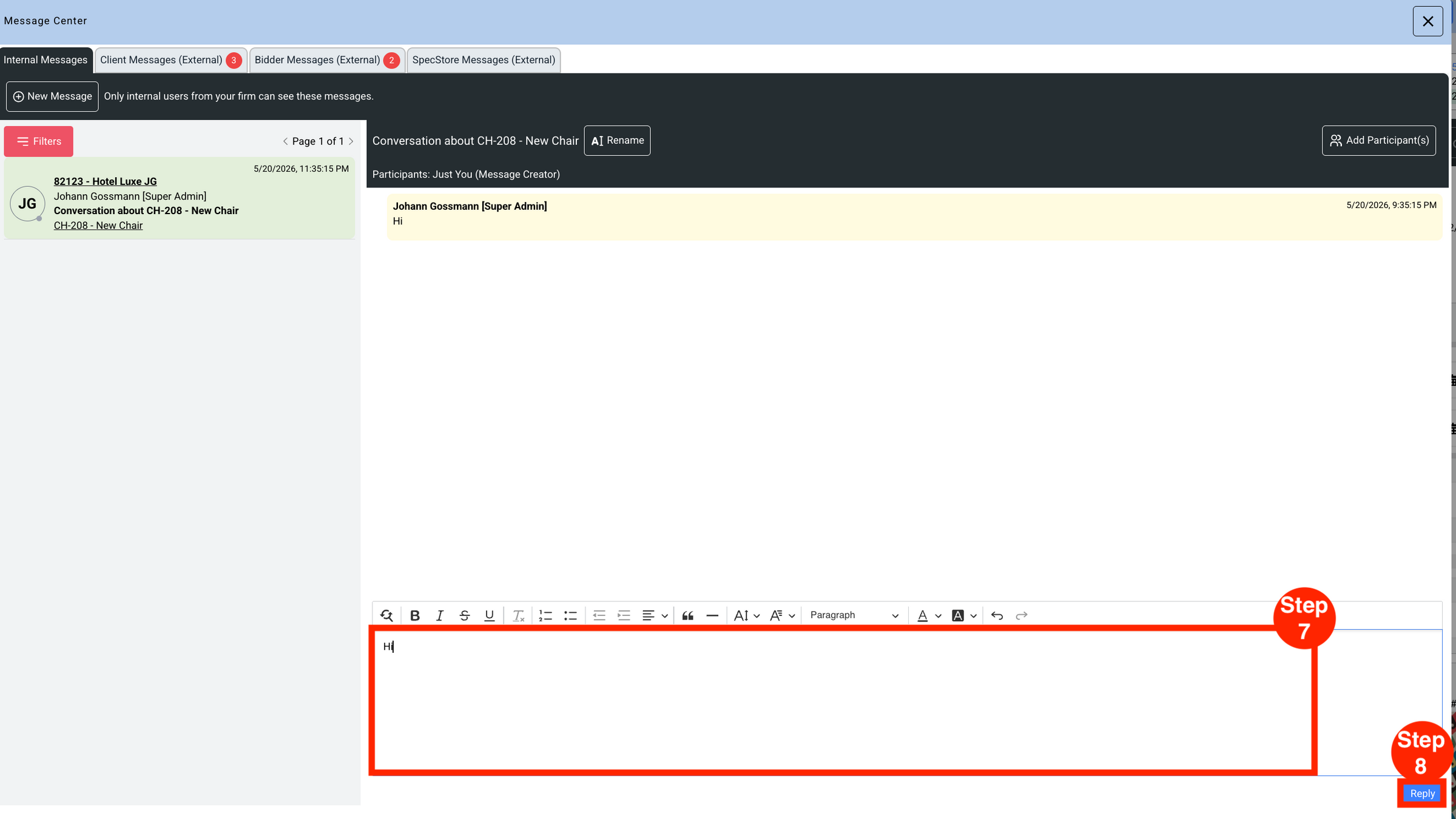
- Step 1: Click the red 'Messages' box.
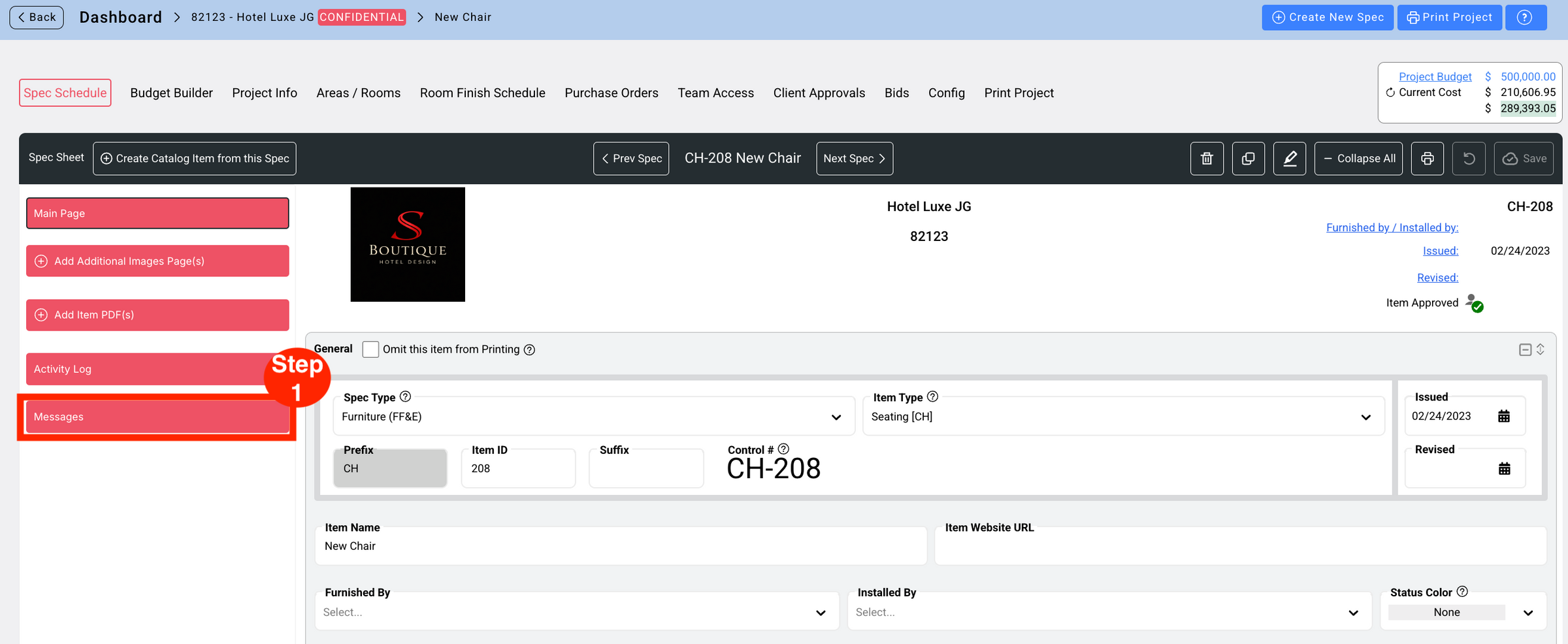
- Step 2: Click 'New Message'.
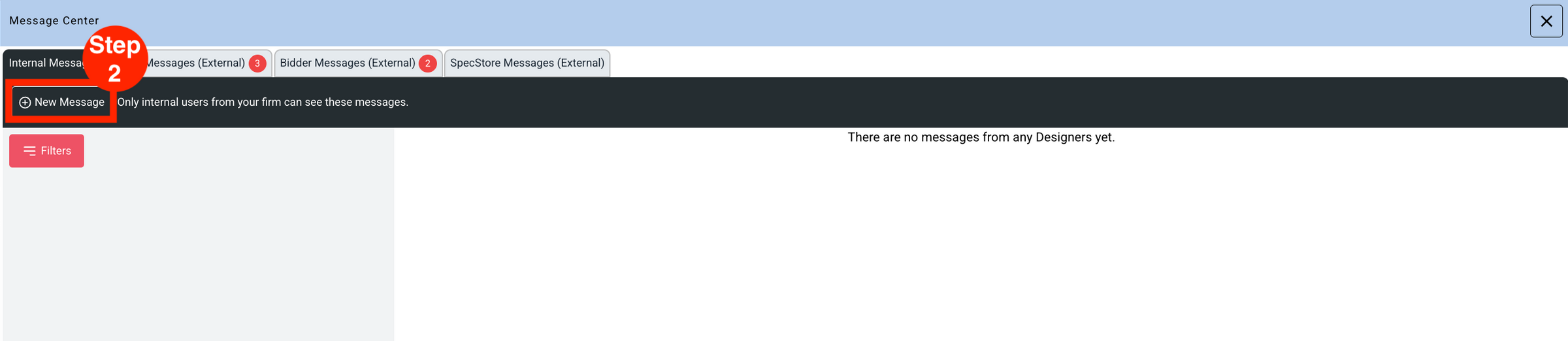
- Step 3: Type in the Message box and click 'Send'.
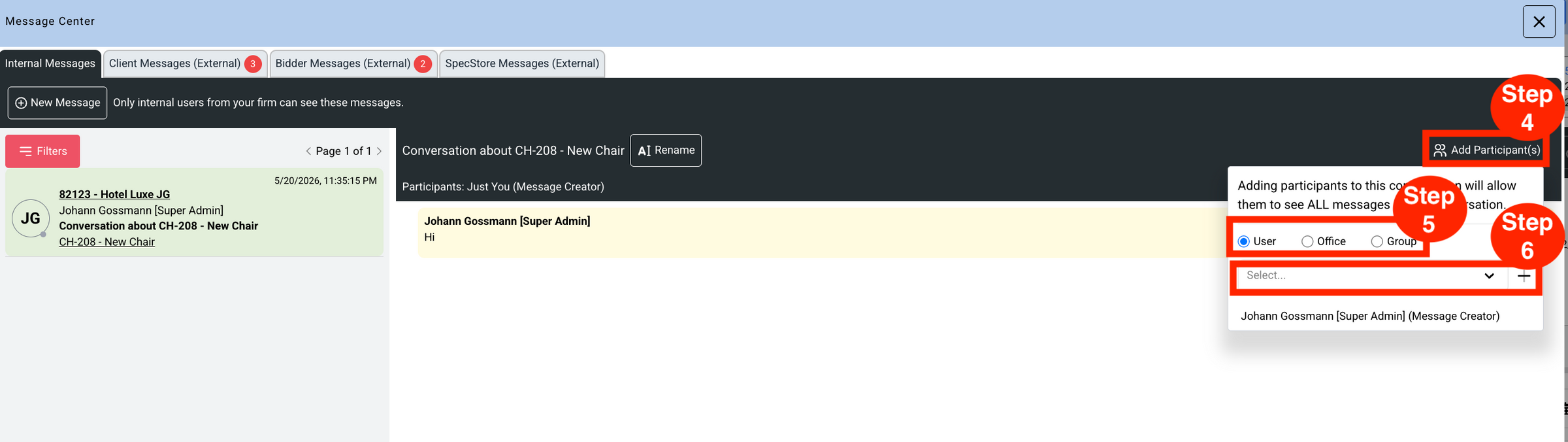
- Step 4: Click 'Add Participants'.
- Step 5: Select 'User', 'Office', or 'Group'.
- Step 6: Select the User from the dropdown and click '+'.
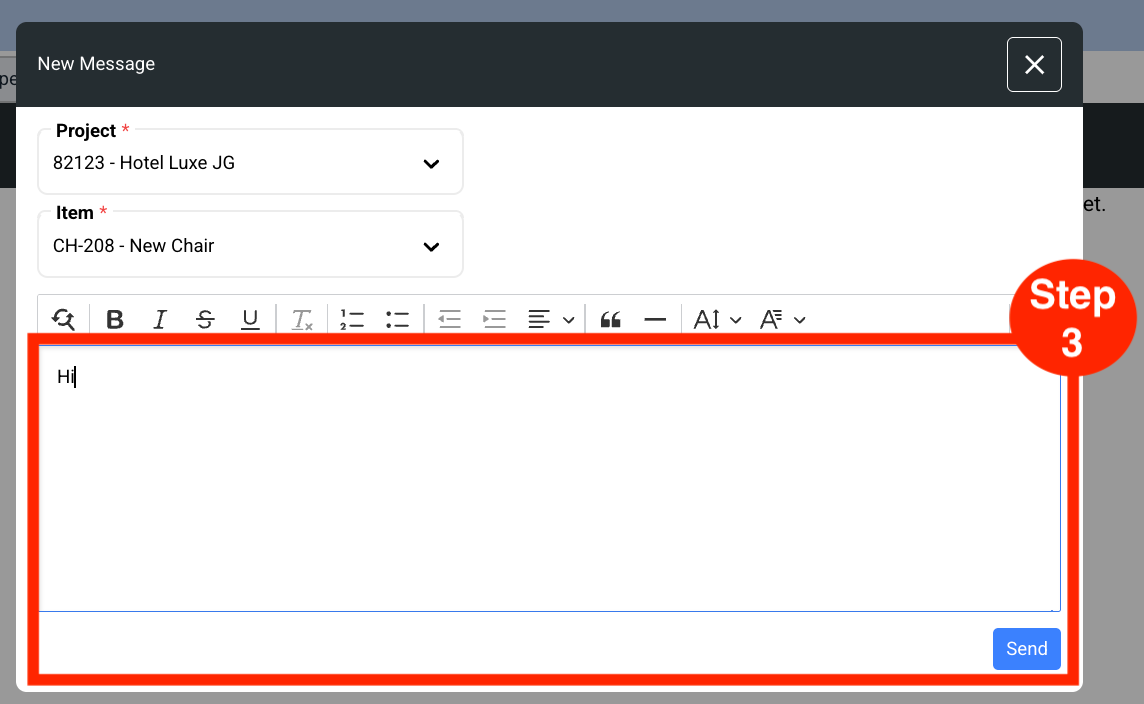
- Step 7: Enter the message in the message field.
- Step 8: Click 'Reply' to send the message.