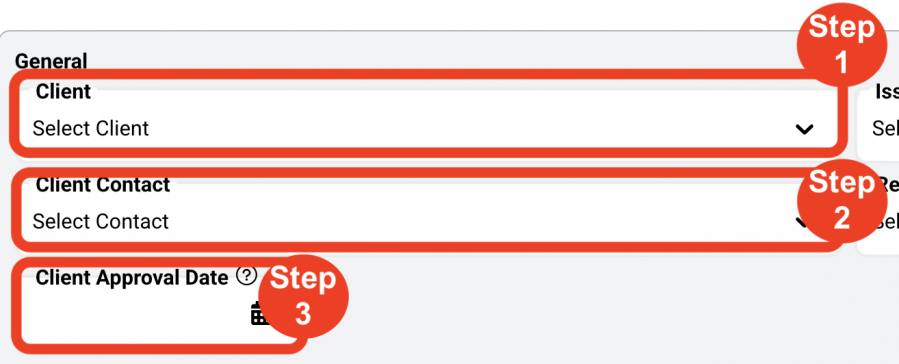
Edit General section
- Step 1: Select ‘Client’ from the drop down.
- Step 2: Select ‘Client Contact’ from the drop down.
- Step 3: Select ‘Client Approval-Date’.
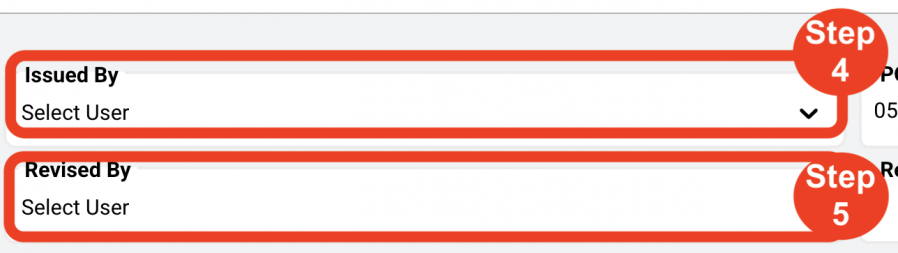
- Step 4: Select ‘Issued By’ designer.
- Step 5: Select ‘Revised By’ designer.
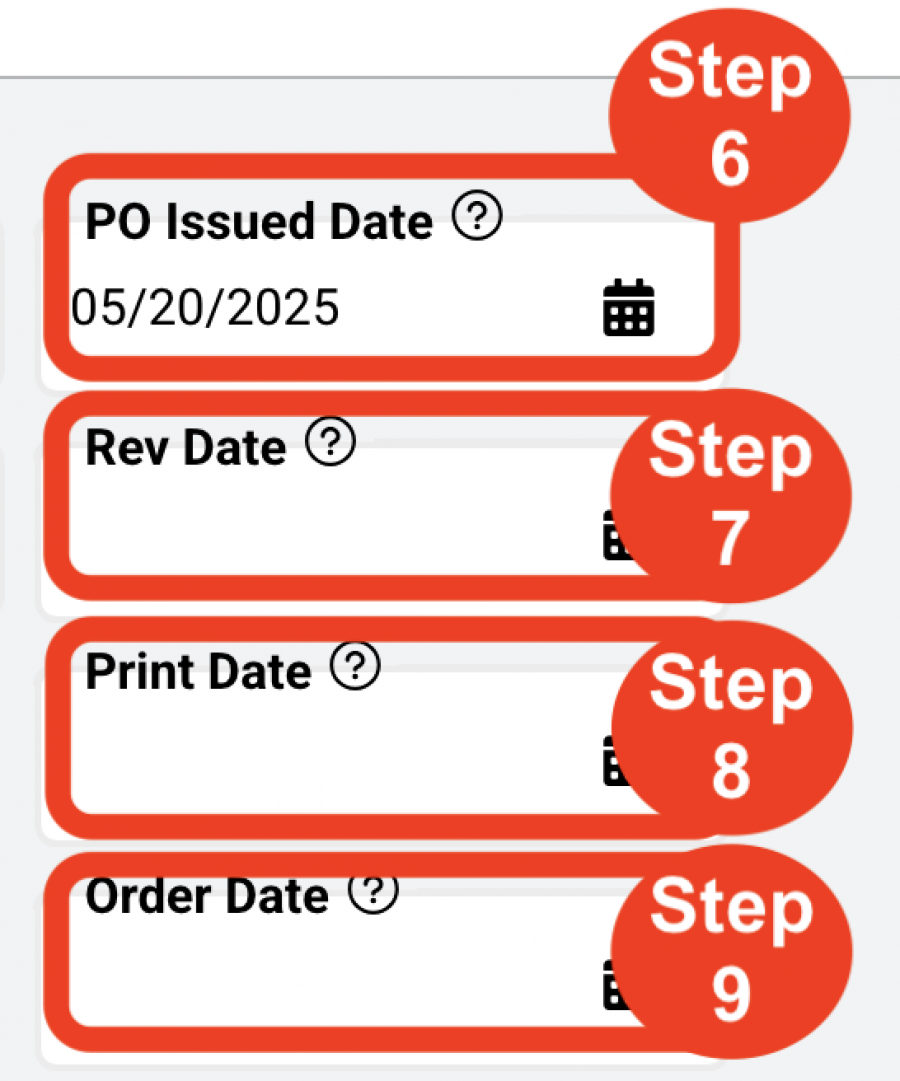
- Step 6: Select the ‘PO Issued Date’.
- Step 7: Select the ‘Rev Date’.
- Step 8: Select the ‘Print Date’.
- Step 9: Select the ‘Order Date’.