All Projects
OVERVIEW
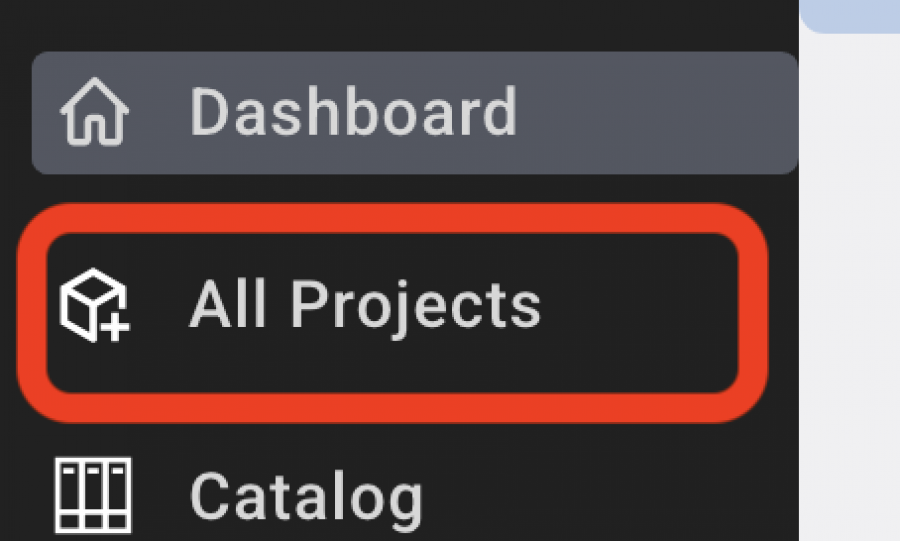
Designers / Users can access all available Projects by selecting 'All Projects' from the left-hand navigation menu. This page displays both recent and past projects associated with the account.
Archived Projects will not appear in the list.
The screen allows you to:
- Sort the Project List by Office

- Filter the Project List by Show All, Show Recent, Show Archived

- Search for a Project

- View All Projects Schedule functions:
- Click on the Cover Sheet image or the Project Name to open a Project
- View Project # and the date the Project was created
- View the total number of Specs per Project
- View the total number of Members associated with the Project

- Click on 'Members' to go to the Team Access page.

- Print Project
- Copy Project
- Delete Project – (Only Super Admin roles can delete a Project.)
